Quick answer: The genuine OnStream app is generally considered safe to install if you get a clean copy, but it is not risk-free. The main dangers are fake or modified APKs that hide adware, pop-up ads and redirects, and the fact that most content in the app is not licensed, which can be illegal to stream in many countries.
Table of Contents
Does OnStream Contain Malware?
There is no widely confirmed report that the genuine OnStream build contains malware. However, "genuine" is the key word. Because OnStream is not on Google Play, no store reviews or scans every version, and anyone can upload a copy with extra code. Modified copies are the most common source of:
- Adware that shows full-screen ads even when the app is closed
- Redirects to gambling, dating or fake prize sites
- Spyware that asks for accessibility, SMS or contacts access
- Fake "update" pop-ups that install other apps
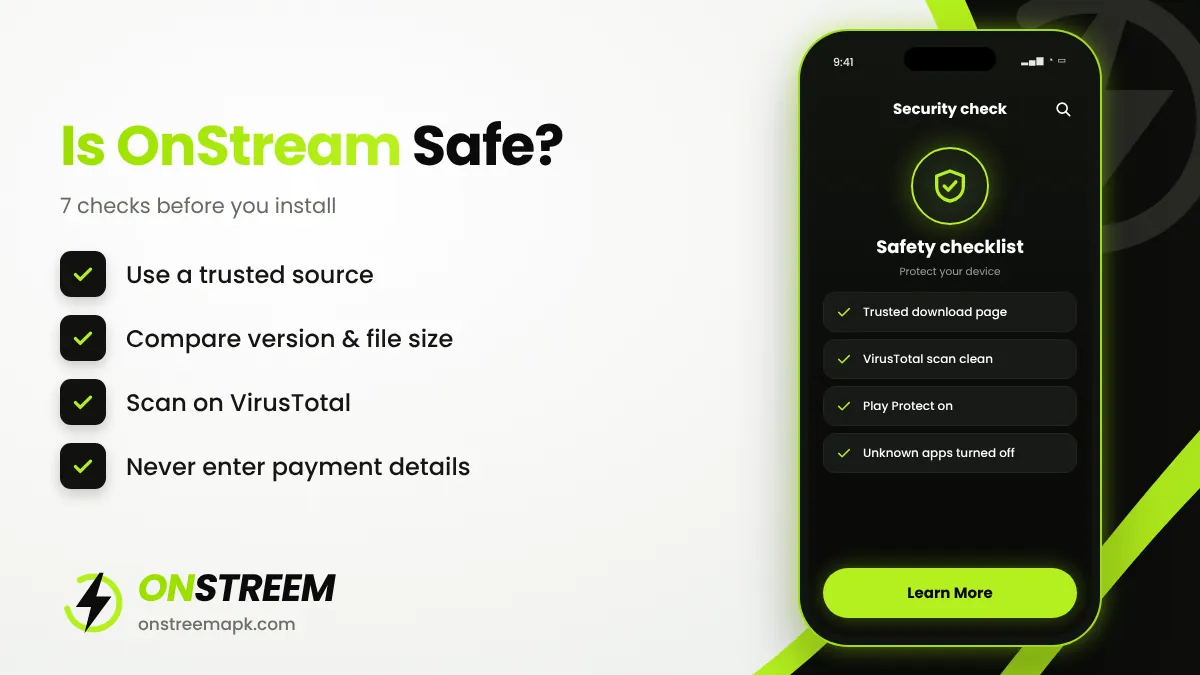
7 Checks Before You Install OnStream
Use a source you trust
Avoid random file hosts and pages covered with "Download" ad buttons. Use one reliable page and stay with it for updates.
Compare version and size
The current build is v1.2.0 at about 17.6 MB. A very different size is a warning sign.
Scan on VirusTotal
Upload the APK to virustotal.com. Many detections from well-known antivirus engines mean you should delete it.
Keep Play Protect on
Google Play Protect scans sideloaded apps too. Do not turn it off to install anything.
Review permissions
OnStream needs internet and, for downloads, storage access. Refuse requests for contacts, SMS, call logs, location or accessibility.
Turn unknown sources off again
After installing, disable "Install unknown apps" for your browser or Downloader.
Never enter personal or payment details
OnStream is free and needs no account. Any screen that asks for card details, Apple ID or Google passwords is a scam.
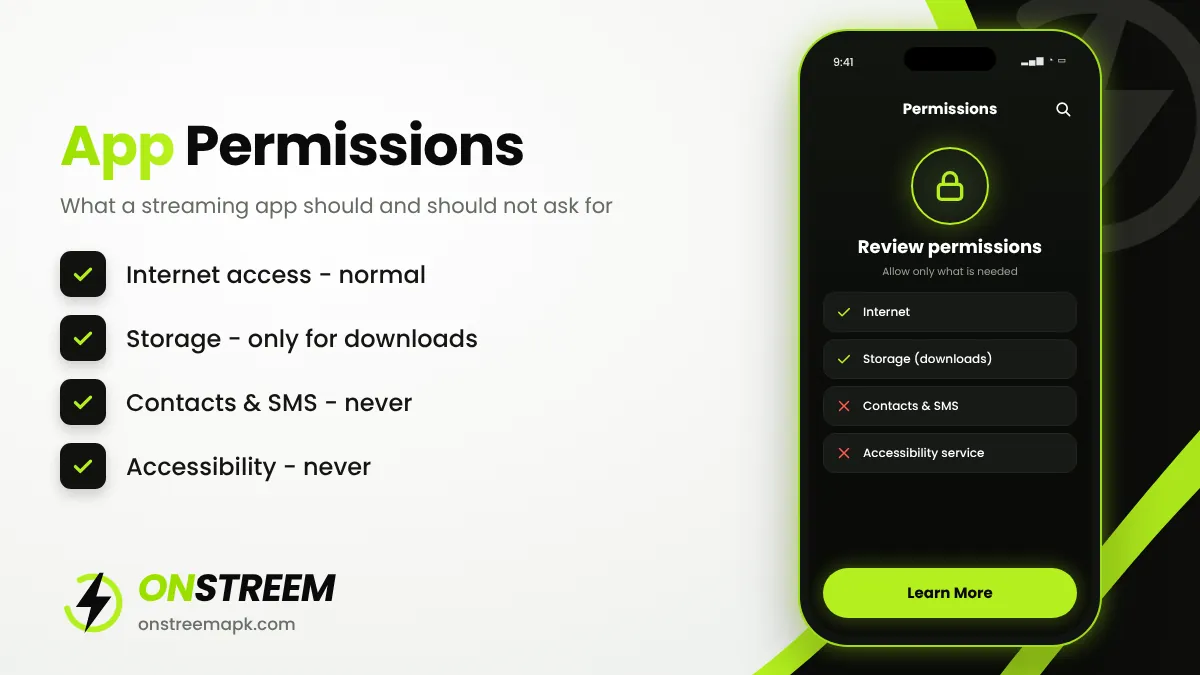
Which Permissions Are Normal?
| Permission | Normal for OnStream? | Why |
|---|---|---|
| Internet / network access | Yes | Needed to stream video |
| Storage / media | Yes (optional) | Only for offline downloads |
| Notifications | Optional | Download progress and updates |
| Contacts, SMS, call logs | No | Not needed for streaming |
| Accessibility service | No | Can be abused to control your phone |
| Device admin | No | Makes an app hard to uninstall |
Privacy: What Data Does OnStream Collect?
OnStream does not require an account, so it does not ask for your name or email. Like most free apps, it may still collect technical data such as device type, IP address and usage statistics, and the video hosts it links to can see your IP address. There is no published, verifiable privacy policy from the developer, so you should assume your viewing is not private. Some people use a reputable VPN for general privacy on public Wi-Fi, but a VPN does not change whether streaming a particular title is legal.
Is OnStream Legal?
This is the question most sites avoid, so here is a clear answer:
- The app as software: installing an APK is legal. Sideloading is a normal Android feature.
- The content: OnStream does not license most of the movies and shows it lists. It links to copies hosted elsewhere. In many countries, streaming copyrighted content without permission is a copyright infringement, and the rules and enforcement differ from country to country.
- Your responsibility: you are responsible for what you watch. If you want certainty, use licensed services; our OnStream alternatives list starts with free legal apps.
OnStreem APK is an independent information site. We do not host, upload or link to any copyrighted videos, and we do not encourage copyright infringement. This article is general information, not legal advice.
Red Flags of a Fake OnStream APK
- It is called "OnStream Pro", "Premium" or "Mod" and promises paid features (the real app has no paid plan).
- The download page makes you install another app first.
- The app asks you to subscribe or enter card details.
- Ads appear on your home screen after installing.
- Your battery drains quickly or the phone gets hot when the app is closed.
If you notice any of these, uninstall the app straight away, run a Play Protect scan, and read our OnStream mod APK warning.
Our Verdict
OnStream can be used safely from a technical point of view if you install a clean copy and follow the checks above. The legal side is less clear because most content is unlicensed. Make an informed decision: if you value safety and legality above all, a licensed free app is the better choice. If you do install OnStream, follow the download page guidance and keep the app updated.
FAQs
Is OnStream a virus?
The genuine app is not known to be a virus, but fake copies can contain adware or spyware. Always scan the APK before installing.
Why does Google Play Protect warn about OnStream?
Play Protect warns about many apps installed from outside the Play Store. A warning is not proof of malware, but you should read it and check the file.
Can I get in trouble for using OnStream?
It depends on your country's copyright laws and how they are enforced. Streaming unlicensed copyrighted content can be illegal. Check your local laws or use licensed apps.
Is OnStream safe on Firestick?
The same rules apply. Use the Downloader app, install a clean copy and turn off unknown apps afterwards.
What do Reddit users say about OnStream?
Discussions generally mention that the app is easy to use but warn about fake download sites, ads in modified copies, and occasional downtime.
Back to the main OnStream APK guide.