Quick answer: There is no official OnStream Mod or Premium version. The normal OnStream APK is already free, has no paid plan, and needs no account. Files sold or shared as "OnStream Mod APK" are third-party edits that usually promise "no ads" but cannot be verified, and they are a common way to spread adware and spyware. We recommend the standard v1.2.0 build.
Table of Contents
What Is a Mod APK?
A "mod" (modified) APK is an app that someone other than the developer has unpacked, changed and repacked. For games, mods often unlock paid items. For a free app like OnStream, there is nothing to unlock, so mods usually claim to:
- Remove ads or pop-ups
- Unlock "premium" servers or 4K quality
- Remove update prompts
These claims are hard to check, and the changes are made by unknown people.
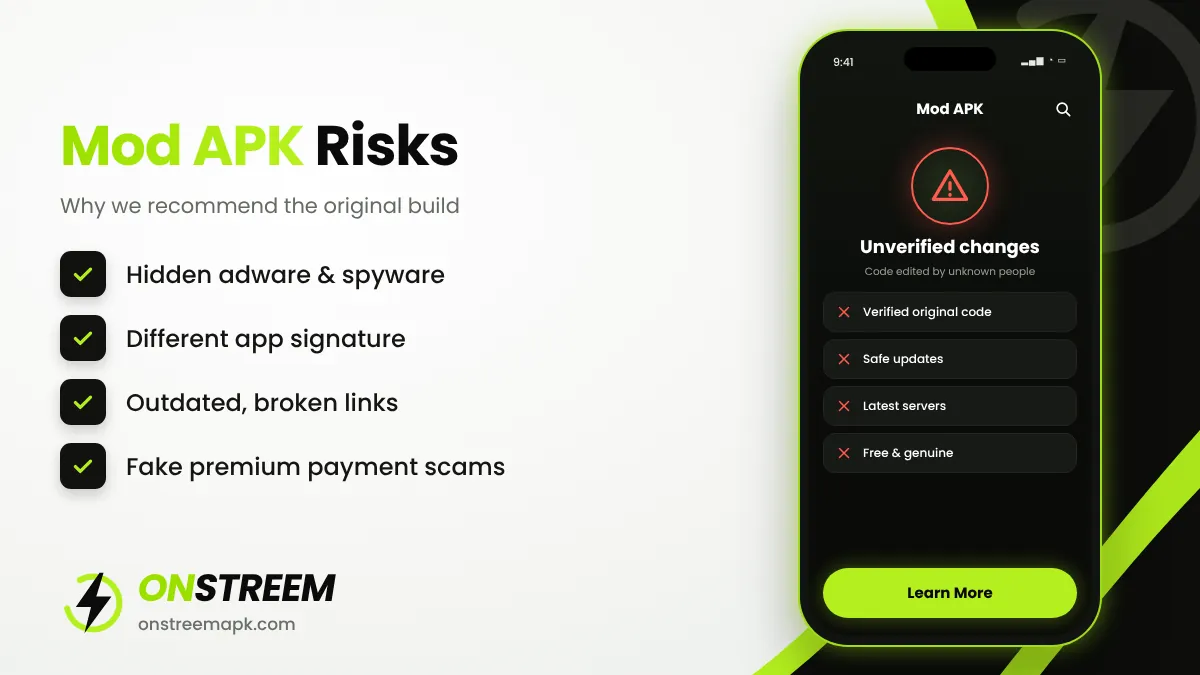
Risks of OnStream Mod APK
Hidden malware
Repacked APKs can include code that shows ads outside the app, steals data, or installs other apps.
Different signature
A mod is signed with a different key, so it cannot update over the real app and you lose data when switching.
Broken features
Mods are often built on old versions, so links stop working sooner and there are no fixes.
Payment scams
Some "premium" mods ask for payment or card details for features that do not exist.
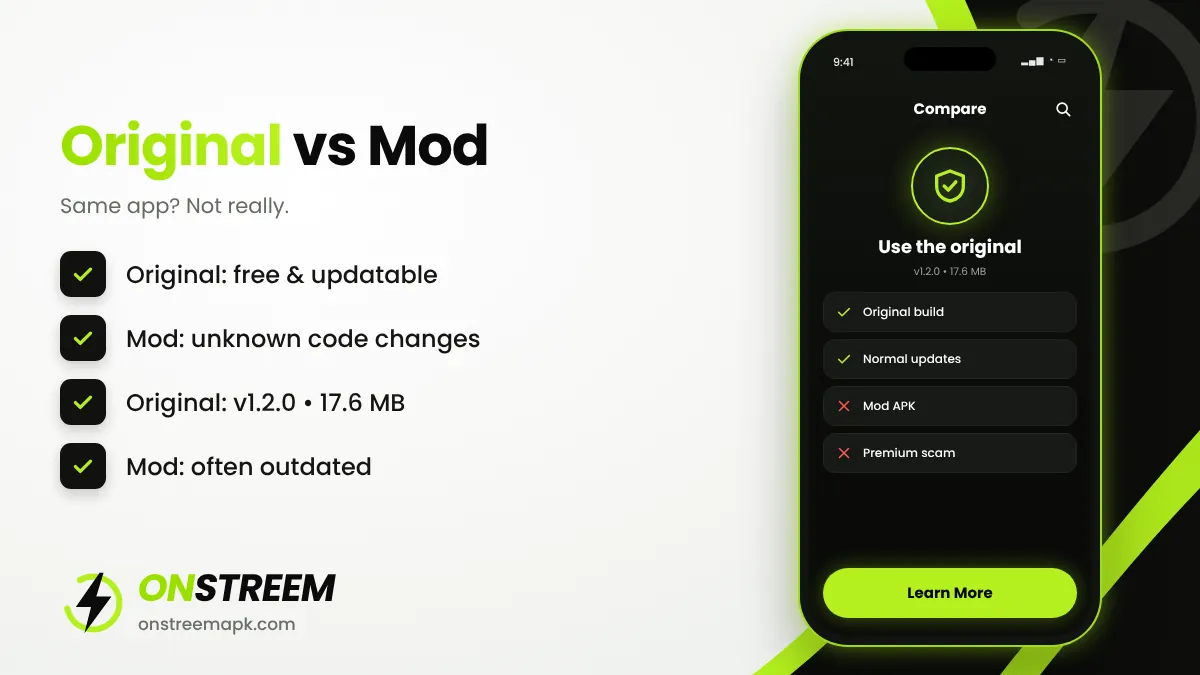
Original vs Mod: Comparison
| Feature | Original OnStream APK | "Mod" / "Premium" APK |
|---|---|---|
| Price | Free | Free or paid (scam) |
| Latest version | v1.2.0 | Often outdated |
| File size | About 17.6 MB | Often larger |
| Can update normally | Yes | Usually no |
| Code verified | Same build as other users | Unknown changes |
| Risk level | Lower (if genuine) | High |
How to Tell If Your OnStream Is a Mod
Not sure which copy you have? These signs point to a modified build:
- The app name or icon says "Pro", "Premium", "Mod" or "Plus".
- The version number does not match any official release, or it is far ahead of v1.2.0.
- An update from a trusted source fails with "App not installed" because of a signature conflict.
- You see ads outside the app, such as on your lock screen or home screen.
- The app asks for permissions a streaming app does not need, such as contacts or accessibility.
You can check the version and permissions in Settings > Apps > OnStream. For a deeper check, scan the APK file on VirusTotal before installing it.
Why Do People Look for OnStream Mods?
Most people search for a mod because they are annoyed by pop-ups, want guaranteed 1080p links, or saw a video promising "premium unlocked". In reality, OnStream has no premium tier to unlock, and stream quality depends on the external server, not on the app. A mod cannot create better links. The only things a mod can really change are the ads and the code running on your phone, and that is exactly the risk.
Safer Ways to Get Fewer Ads
- Use the latest genuine build. Many intrusive ads come from fake copies, not the original app.
- Close ad tabs quickly. If a server opens a browser tab, close it and return to the app. Never install anything it suggests.
- Use Private DNS. On Android 9+, Settings > Network > Private DNS lets you set a DNS provider that filters known ad and tracking domains.
- Choose a licensed app. Free legal apps also show ads, but they are predictable and safe. See our OnStream alternatives.
Already Installed a Mod? Do This
- Uninstall the mod from Settings > Apps.
- Check Settings > Security > Device admin apps and remove anything unfamiliar.
- Run a scan with Google Play Protect.
- Change passwords for important accounts if you entered them while the mod was installed.
- Install the genuine build from our download page.
FAQs
Is OnStream Premium real?
No. OnStream has no premium plan. Anything sold as OnStream Premium is a scam or an unrelated app.
Does OnStream Mod APK remove ads?
Some mods claim to, but you cannot verify what else they change. The risk usually outweighs the benefit.
Is OnStream Mod APK safe?
It cannot be considered safe because the code has been changed by unknown people. Use the original build instead.
Related: Is OnStream safe? · OnStream APK main guide