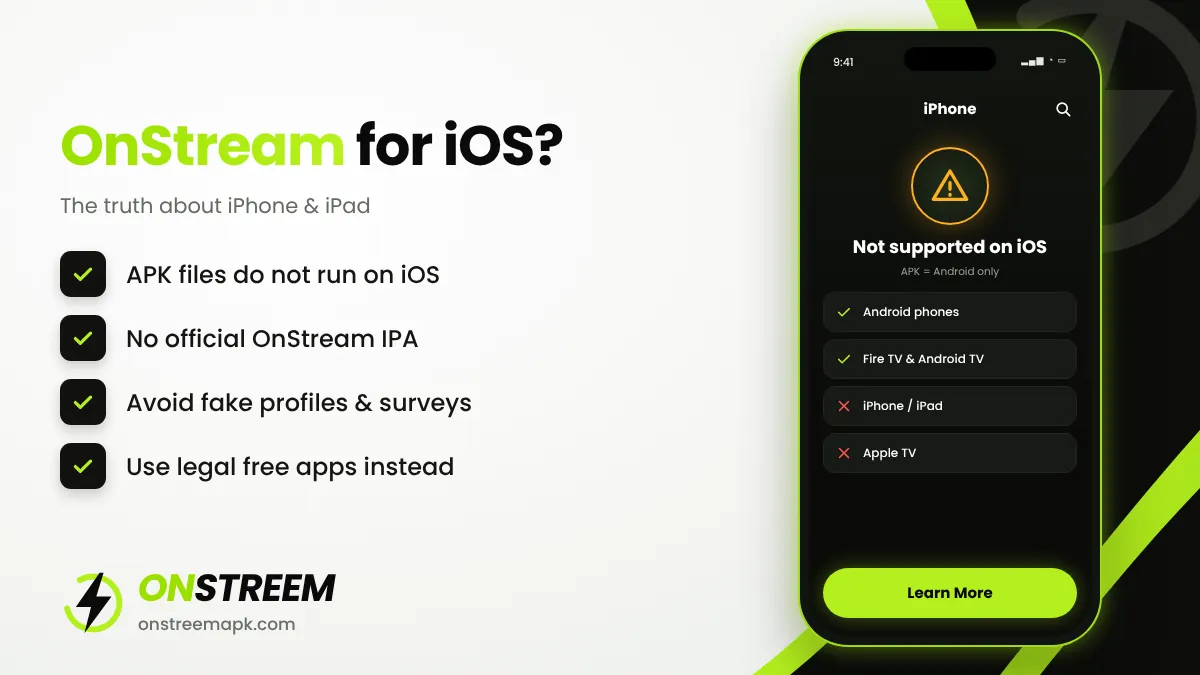
Quick answer: No, there is no genuine OnStream app for iPhone or iPad. OnStream is distributed as an APK, which only works on Android-based systems. iOS cannot install APK files, and the OnStream developers have not released an iOS (IPA) version. Any site offering "OnStream iOS download" is likely a fake, a survey scam, or an unrelated app.
Table of Contents
Why OnStream Does Not Work on iPhone
Android apps are packaged as .apk files. Apple devices use a completely different format called .ipa, and apps can only be installed from the App Store or, in some regions, from approved alternative marketplaces. Renaming an APK or using a converter does not work, because the code itself is written for Android.
OnStream is not on the App Store, and there is no official IPA file. That means there is no safe, real way to install OnStream on an iPhone or iPad today.
Watch Out for Fake "OnStream iOS" Apps
Because many people search for "OnStream iOS", scammers create pages and apps that use the name. Common warning signs:
- The site asks you to complete a survey, install other apps, or "verify you are human" before the download.
- You are asked to install a configuration profile or a "VPN profile" that gives control of your device.
- The App Store app with a similar name is made by an unrelated developer, asks for a subscription, or is a business streaming tool with the same name.
- The page asks for your Apple ID password or payment details.
Never install profiles or enterprise certificates from websites that promise free streaming apps. They can read your traffic and install other apps without your permission.
What About AltStore or Sideloading?
Tools such as AltStore and Sideloadly can install IPA files on an iPhone, and in the EU there are approved alternative app marketplaces. But all of these need a real IPA version of the app. Since OnStream has never released one, sideloading tools cannot help. Pages that show AltStore steps for OnStream usually link to a different app or to nothing at all.
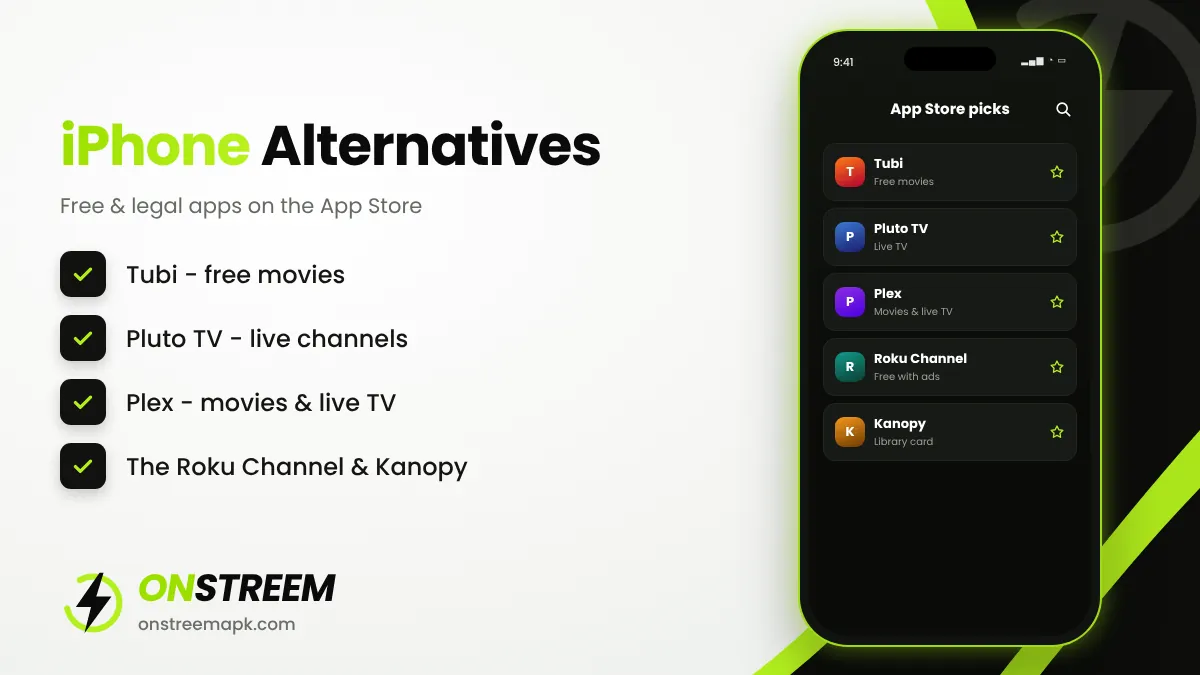
Best OnStream Alternatives for iPhone and iPad
If you want free movies and TV on iOS, these apps are available from the App Store and are licensed:
| App | Cost | What you get |
|---|---|---|
| Tubi | Free with ads | Large library of films and TV series on demand |
| Pluto TV | Free with ads | Hundreds of live channels plus on-demand titles |
| Plex | Free with ads | Free movies and live TV, plus your own media library |
| The Roku Channel | Free with ads | Movies, shows and live TV (available in selected countries) |
| Kanopy | Free with a library card | Classic and independent films from participating libraries |
Availability depends on your country. See the full OnStream alternatives list for more options, including Android apps.
Other Ways for Apple Users
- Mac: you can run OnStream on a Mac with an Android emulator. See OnStream for PC and Mac.
- Apple TV: Apple TV cannot install APKs either. If you want OnStream on a TV, a Fire TV Stick or an Android TV box is the simple option.
- Android device: any spare Android phone or tablet running Android 5.0 or newer can run OnStream v1.2.0.
OnStream iOS FAQs
Is OnStream available on the App Store?
No. The OnStream streaming app is not on the App Store. Apps with similar names on the App Store are not the same product.
Can I install OnStream APK on iPhone?
No. iPhones cannot install APK files. APK is an Android format.
Is there an OnStream IPA file?
There is no official OnStream IPA. Files offered as "OnStream IPA" are not verified and may be harmful.
Will OnStream release an iOS version?
There has been no announcement of an iOS version. We will update this page if a genuine release appears.
Back to the main OnStream APK guide.